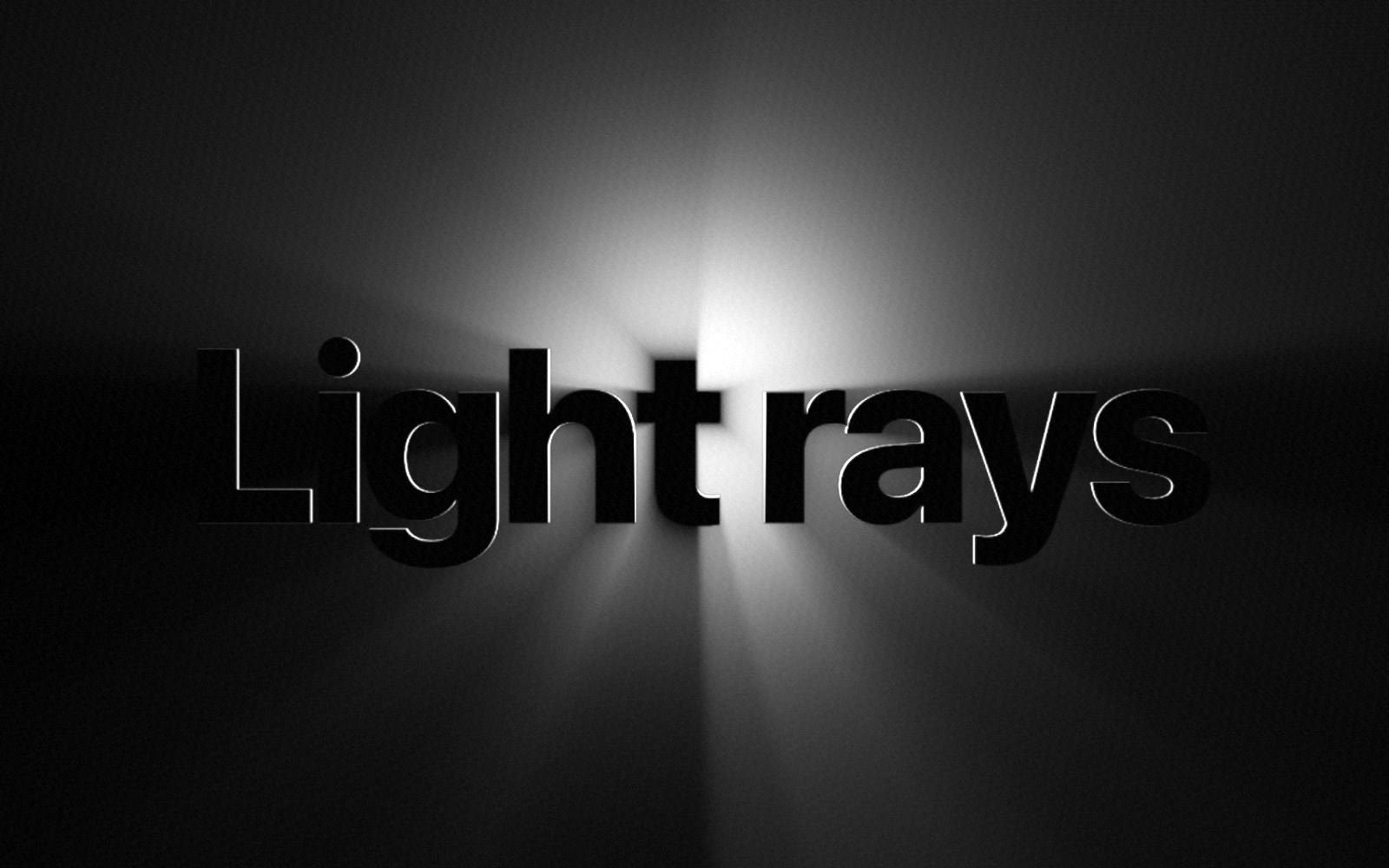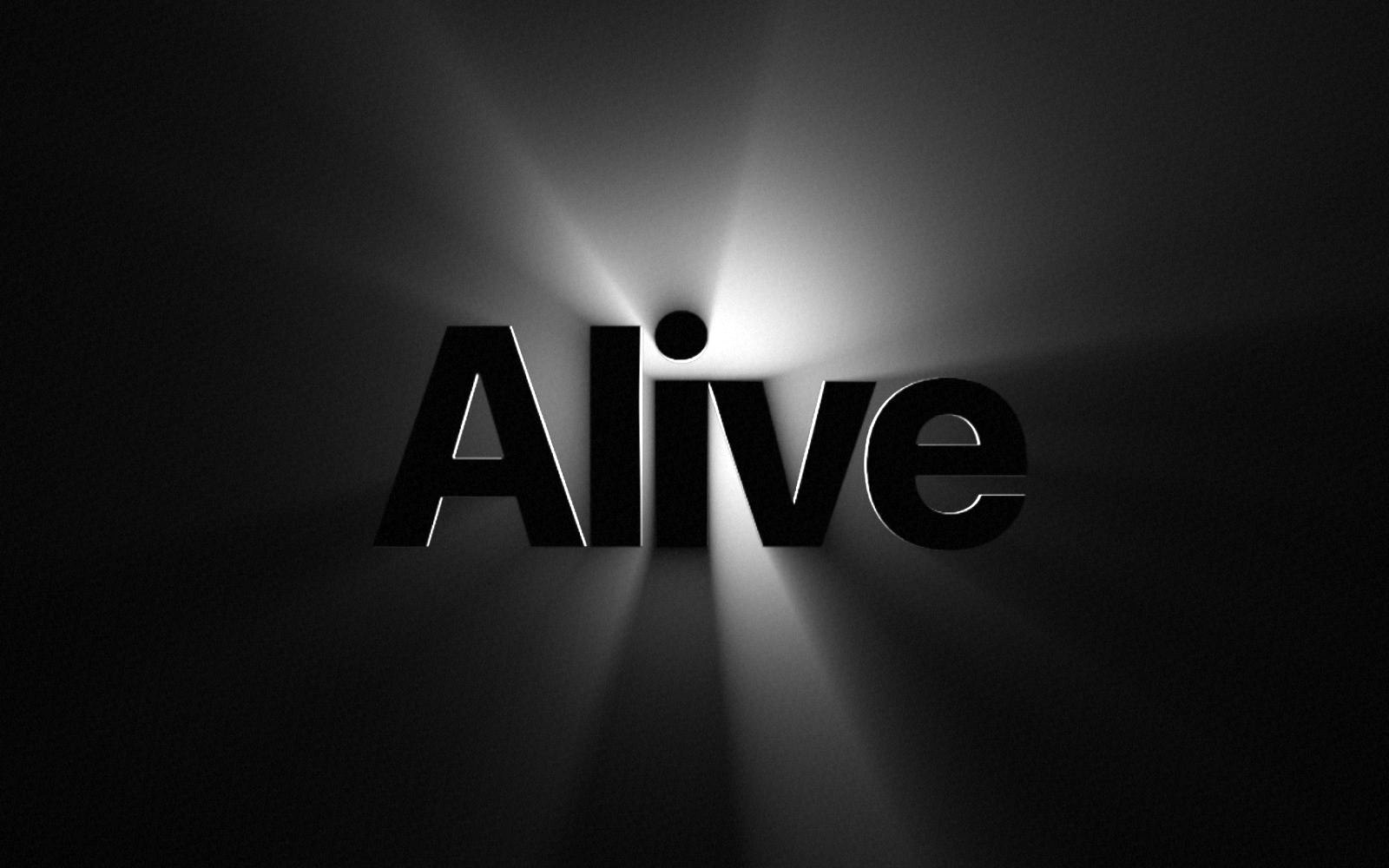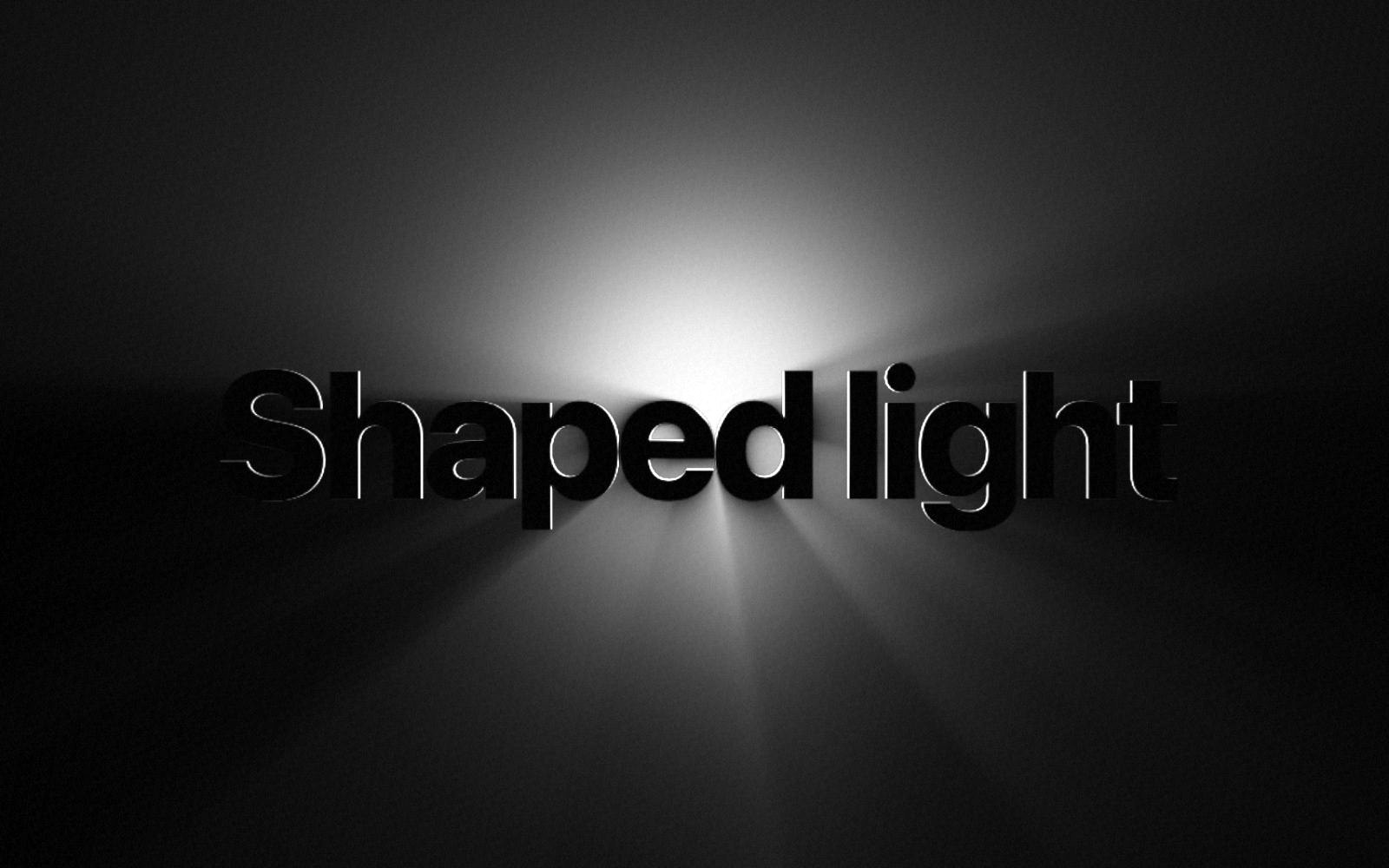
Stand behind a tree at sunset and you see beams of light between the branches. The tree blocks the sun, and the light that gets past it makes streaks in the air. Backlight Rays does the same thing with your words.
The idea
The component puts a light behind your words and draws the beams that escape around the letters. It draws in WebGL, the graphics engine in the browser, in two passes.
1. The shape
First, the component writes your words in white on a hidden canvas. This canvas is two thirds of the frame size, which is enough for clean edges. This white shape is what blocks the light. If you use a logo instead of words, the logo is the shape.
2. The glow
The first pass draws the light itself: a bright core and a soft halo around it. Where the shape is, the glow is cut out. This pass runs at half size, because a soft glow does not need sharp pixels.
3. The rays
The second pass makes the beams. For each pixel, it takes small steps toward the light and adds up the glow it passes. Each step counts a little less than the step before. Behind a letter there is no glow to add, so a dark streak forms. Next to a letter, the glow comes through, so a bright beam forms.
Try it here. Ray length sets how far the beams reach. Glow size sets how big the light is.
4. The small details
- A rim of light. The edge of each letter that faces the light gets a thin bright line, like the edge of a real object.
- A random start. Each pixel starts its steps at a slightly random spot. This hides the bands that a fixed step size makes.
- A fine grain. A light grain on top stops smooth dark areas from showing steps in color.
- The right font. When your font finishes loading, the component writes the words again, so no letter stays in the wrong font.
5. Staying fast
- The ray pass stays near 1.4 million pixels, whatever the size of the frame.
- When the light reaches its spot, the component stops drawing. Only the Circles light moves all the time.
- It pauses when it is off screen.
- If the browser loses the graphics engine, a soft glow shows instead of a black box.
Questions
Does it use a video or an image of rays?+
No. The component draws every frame from your words and the light position.
Why does it look best on a dark background?+
Light rays add brightness. On a dark background the added light is easy to see.
Backlight Rays
Light rays behind text and logos. Paid once, yours to keep.