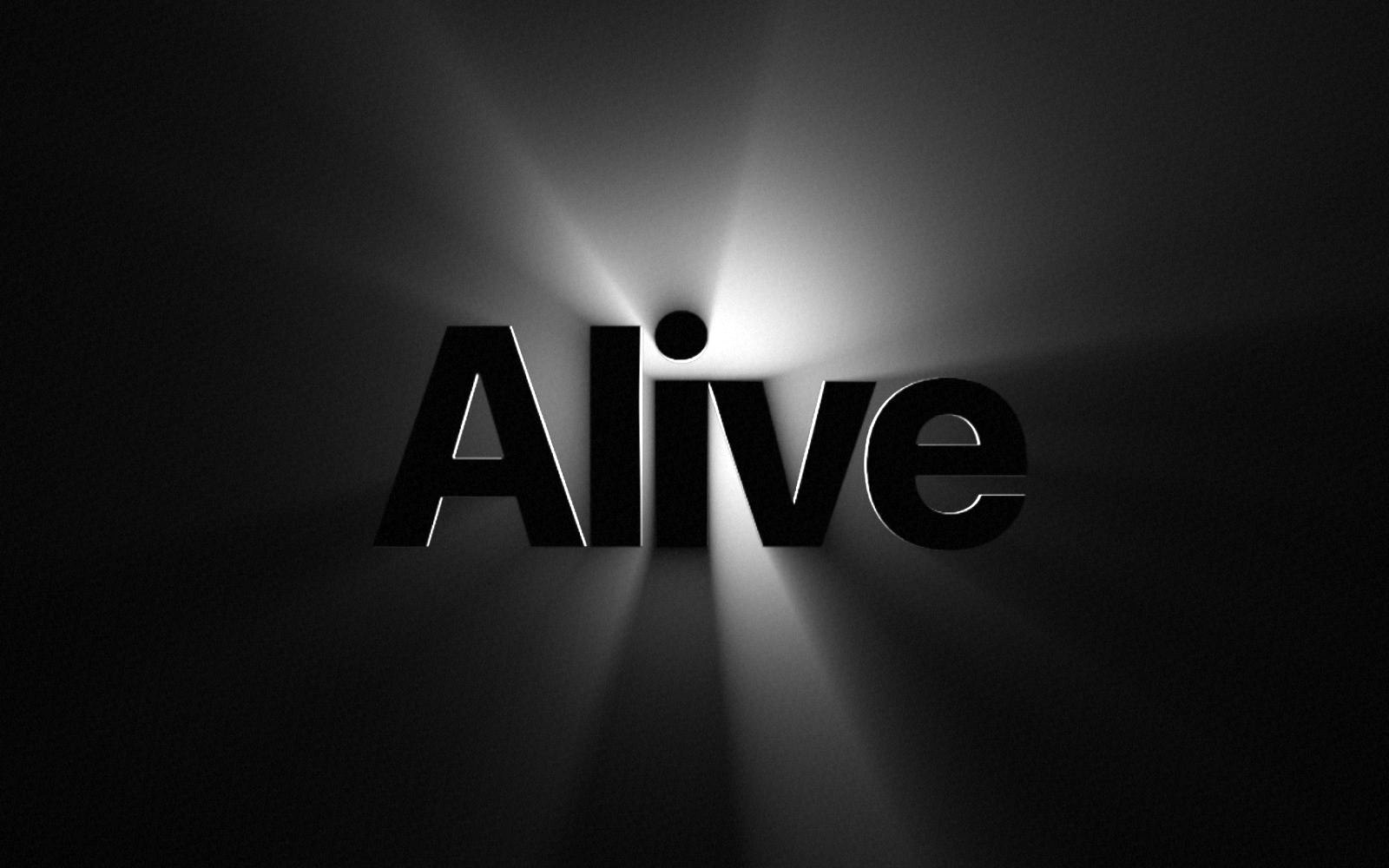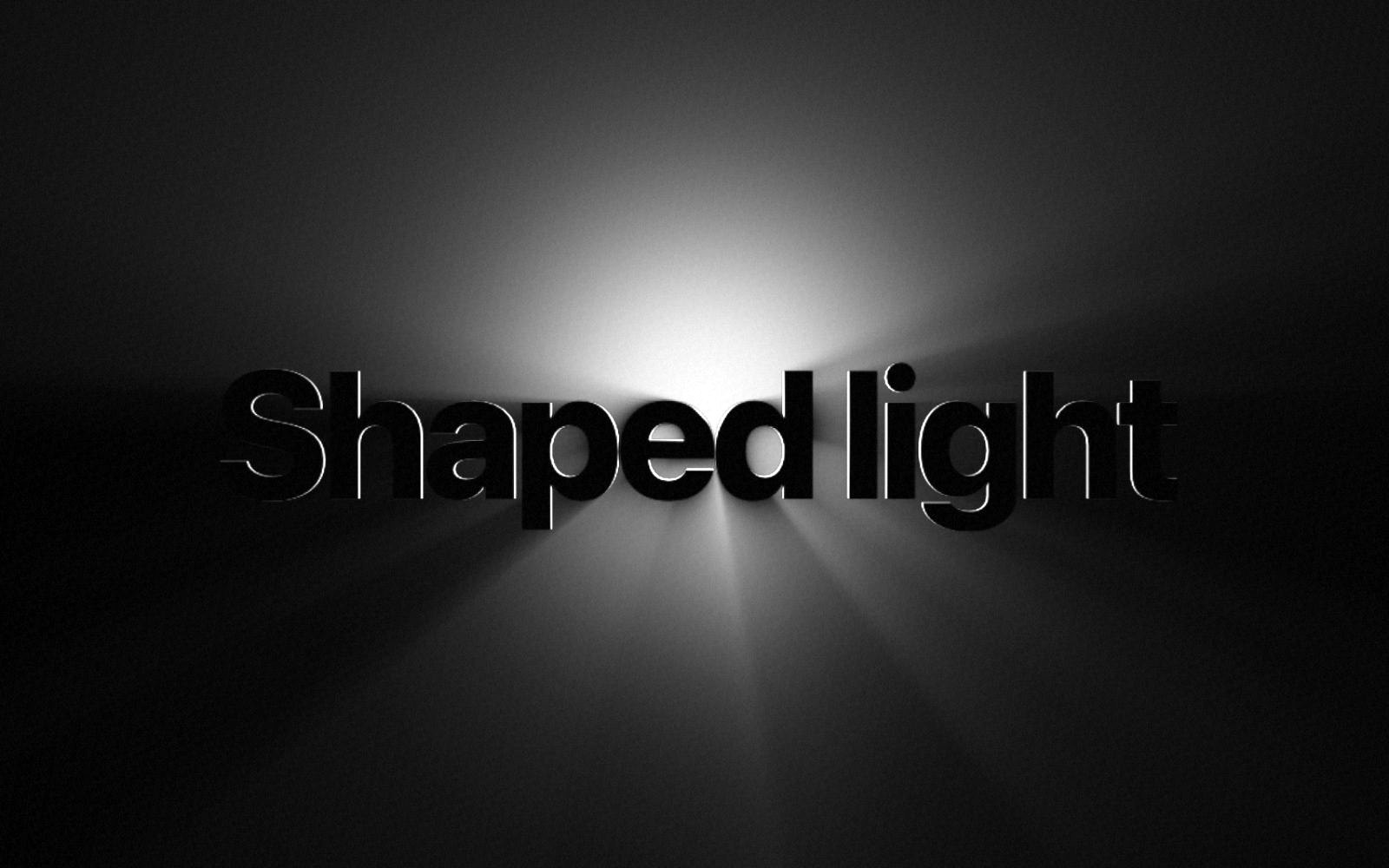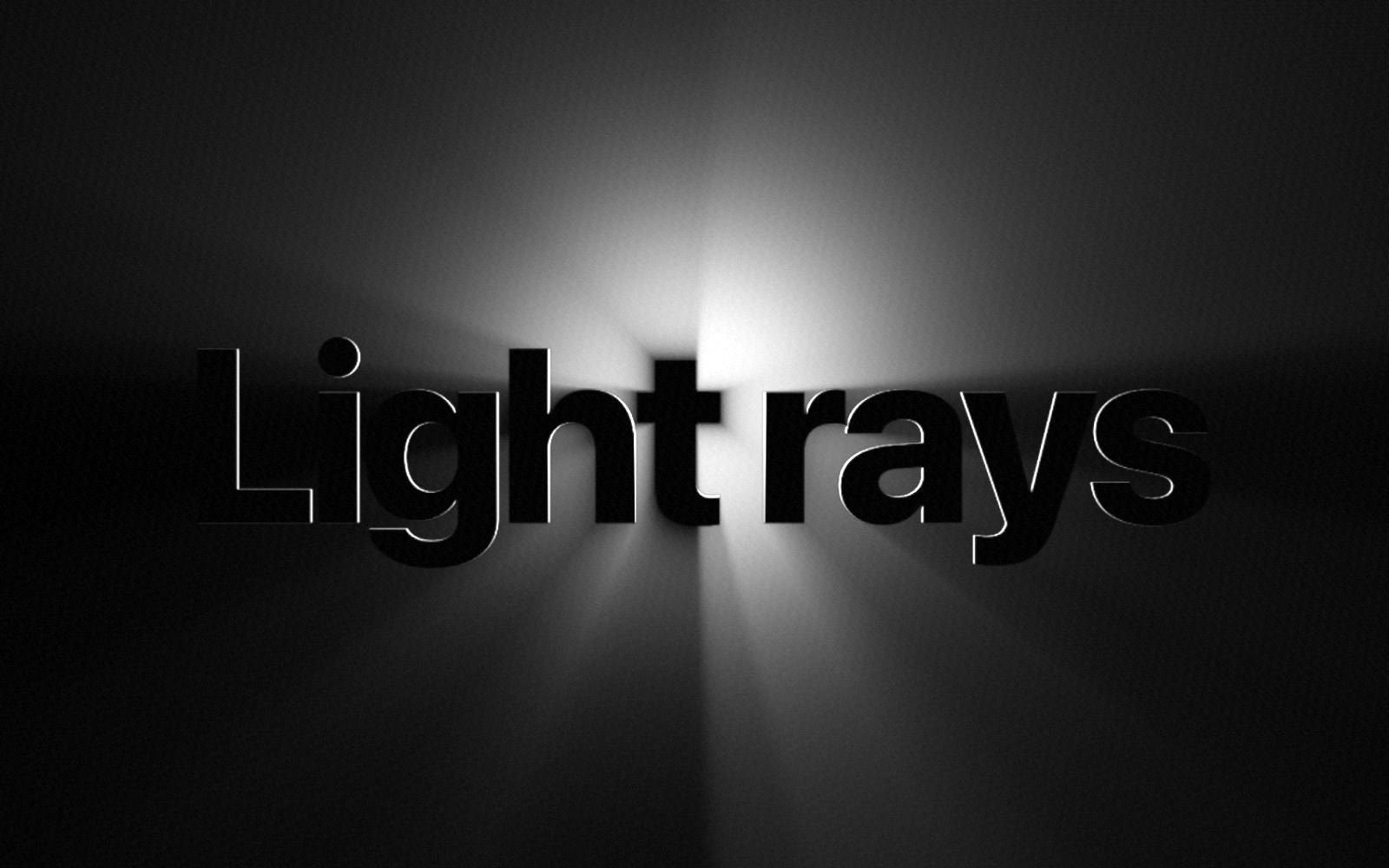
Light rays behind a headline make a hero section feel alive. In Framer you can do this without code: add a component, type your words, and choose the light. This guide uses Backlight Rays, a component from vicsek studio.
What you need
- A Framer project. Any plan works.
- Backlight Rays. After you buy it, the component link arrives by email.
- Your headline, or a logo as a PNG or SVG with a see-through background.
1. Add the component
Copy the component link from your email. In Framer, click the canvas and paste. Backlight Rays appears with the word Lumen. Drag it into your hero section, then set its width to Fill so it spans the whole section.
2. Type your words
In the properties panel, find Words and type your headline. One to three short words work best. Pick the font under Font. Bold fonts hold the light best, so the default is Extra Bold.
3. Choose the light
Try the settings here first. This is the real component.
- Light color. White feels calm, amber feels warm, blue feels technical.
- Brightness. Start at 70 and go up for a dark section.
- Ray length. Longer rays reach the edges of the section.
- Glow size. A smaller glow gives sharper rays.
Set Light to Follows cursor for a hero section: visitors move the pointer, and the light moves with it. Use Still for a calm section, or Circles for light that moves by itself.
4. Use your logo instead
Set Content to Image and add your logo. Use a PNG or SVG with a see-through background, so the light can shine around the shape.
5. Keep it fast
Backlight Rays draws with WebGL, the graphics engine in the browser. It pauses when it is off screen, and it stops redrawing when the light stops moving. On phones the light circles by itself, because phones have no cursor. Visitors who turn on reduced motion see still light.
Questions
Does it work on a light background?+
It shows best on a dark one. On a light background, your words stay dark and the light is softer.
Can I use more than one on a page?+
Yes. Each one pauses when it is off screen, so only the ones in view draw.
Can I change the settings later?+
Yes. Every setting stays in the properties panel. Change it and publish again.
Backlight Rays
Light rays behind text and logos. Paid once, yours to keep.