Journal
Step-by-step guides for Framer, what is new in each component, and how they are made.
How to add light rays behind text in Framer
Make your headline or logo glow from behind, with rays that follow the cursor. Step by step, no code.
How to show a product demo in Framer without a video
Turn screenshots into a demo that plays by itself, and update it in seconds when your app changes.
Autodemo now matches screenshots in any order
Add your screenshots once, in any order. Autodemo puts each one on its own steps.

How to hide private details in a product tour
Blur names, emails and numbers on your screenshots before visitors see them.
How Backlight Rays shapes light around your letters
Two passes of light, a shape that blocks it, and why the rays always look real.
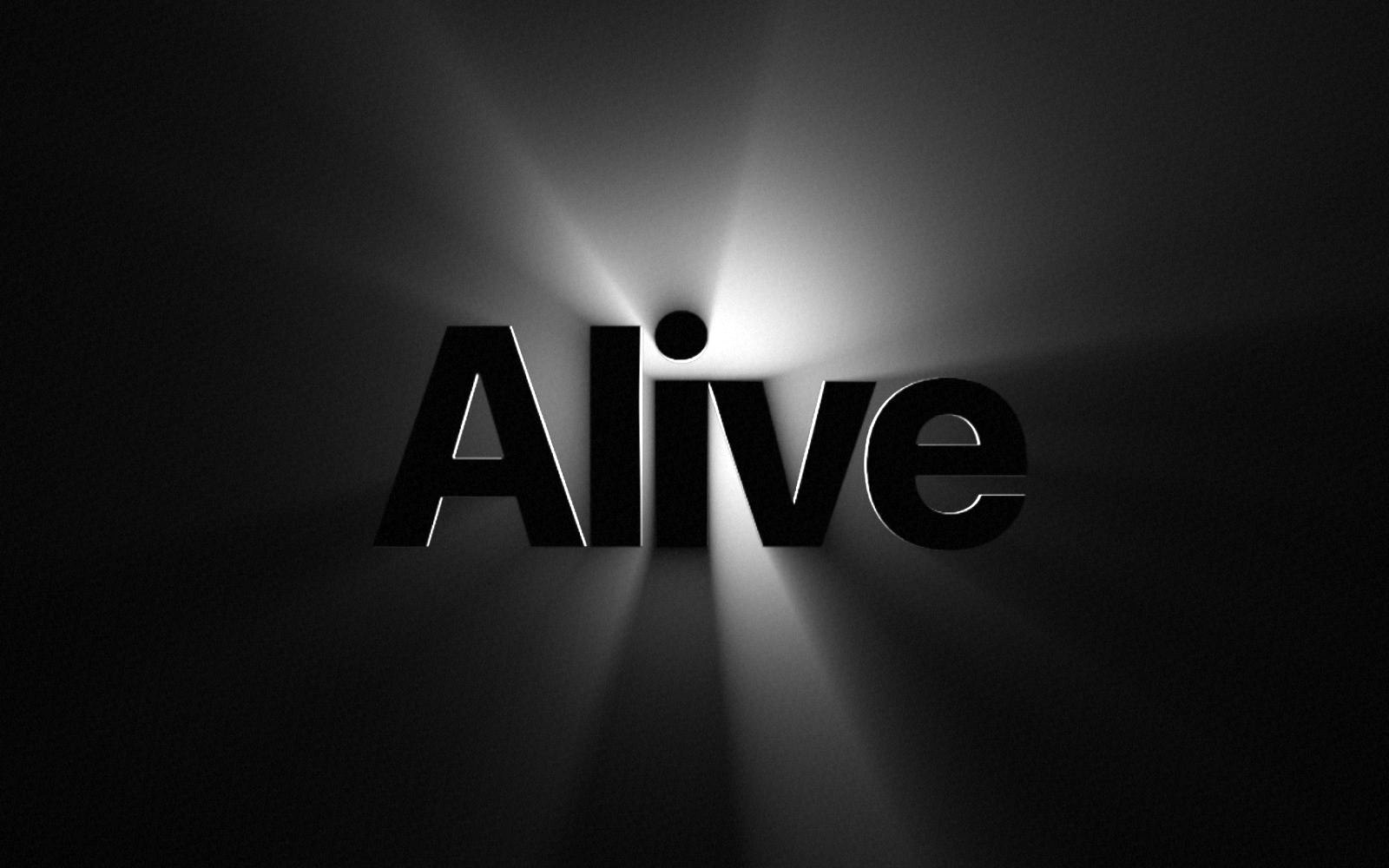
5 ways to make a Framer hero section feel alive
Light, motion and live product demos that make visitors stop and look.

Living photo is next
A still photo where one part moves, such as water, sky or smoke. What it does, and how to hear when it is out.
No articles match your search. Clear the search to see all articles.
Get new guides by email
One short email when a guide or a component comes out. No spam.
You're on the list. You get one short email when something new comes out.
Unable to sign you up. Check your connection and try again.